Understand your notifications
Your notifications are the running list of what's happening around you on Primfeed: new followers, likes, comments, mentions, and updates from the moderation team.
Written By Luke Rowley
Last updated 2 months ago
Open your notifications
Look at the top bar (top of the screen). Click the bell icon.
If you have anything unread, a small red number sits on the bell showing the unread count.
Clicking the bell takes you to your Notifications page, with the heading "Notifications".
Click any notification to jump straight to the post, comment, or profile it's about.
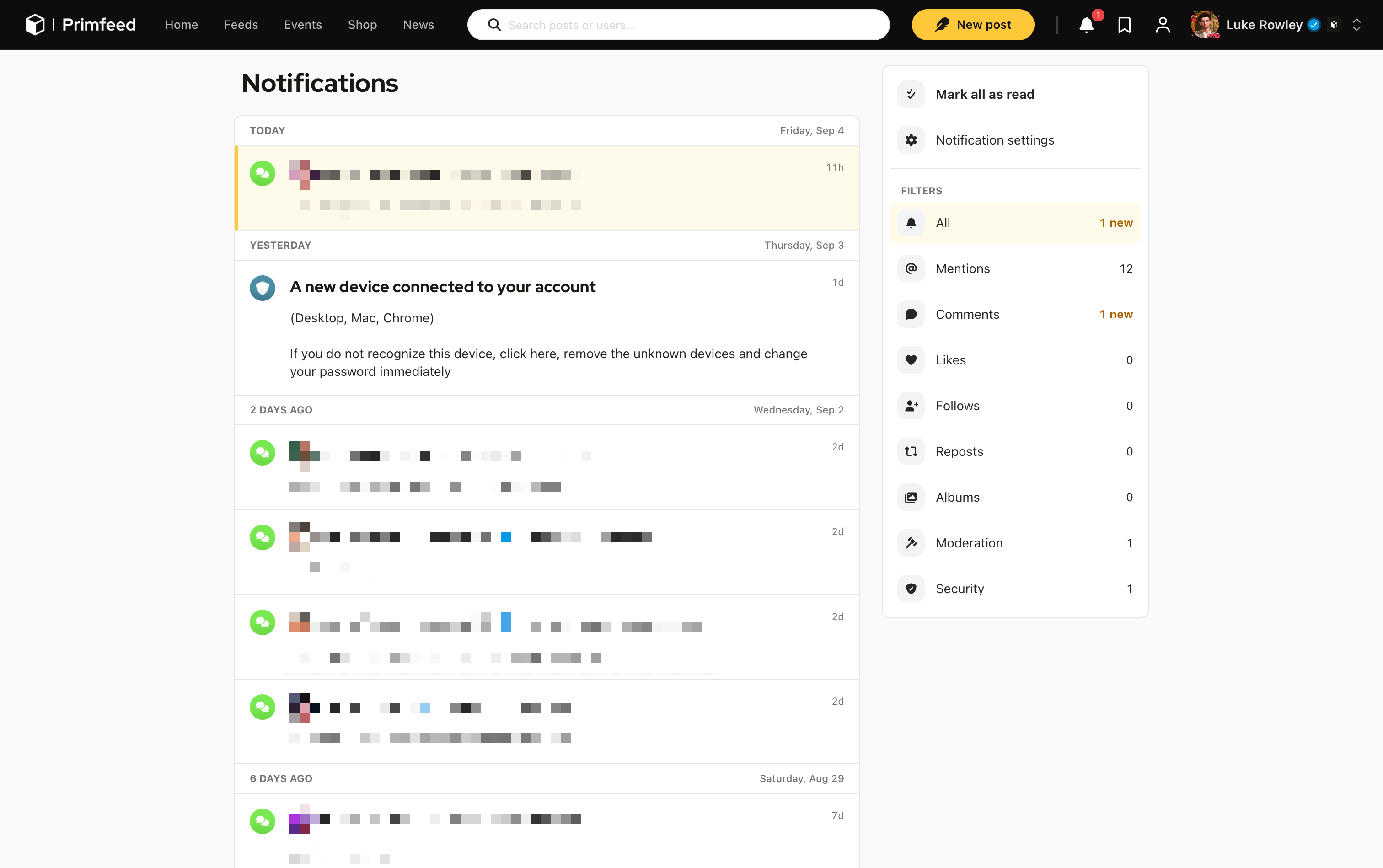
Mark notifications as read
By default, clicking on the bell doesn’t mark all your notifications as read. There is a settings to enable this behavior, otherwise, you have to click the button Mark all as read. Clicking a specific notification will mark it as read.
When several people do the same thing
To keep your list tidy, some notifications are grouped. If a bunch of residents like the same post on the same day, you'll see one row like "Luke Rowley and 4 others liked your post." rather than a separate line for each person. Grouping applies to new followers, post likes, reposts, and comment likes.
Tip: To avoid flooding your list, a "new follower" notification from the same person is limited to once per day. They still follow you right away, only the repeat notification is held back.
Was this helpful?
Still need help? Share an idea